
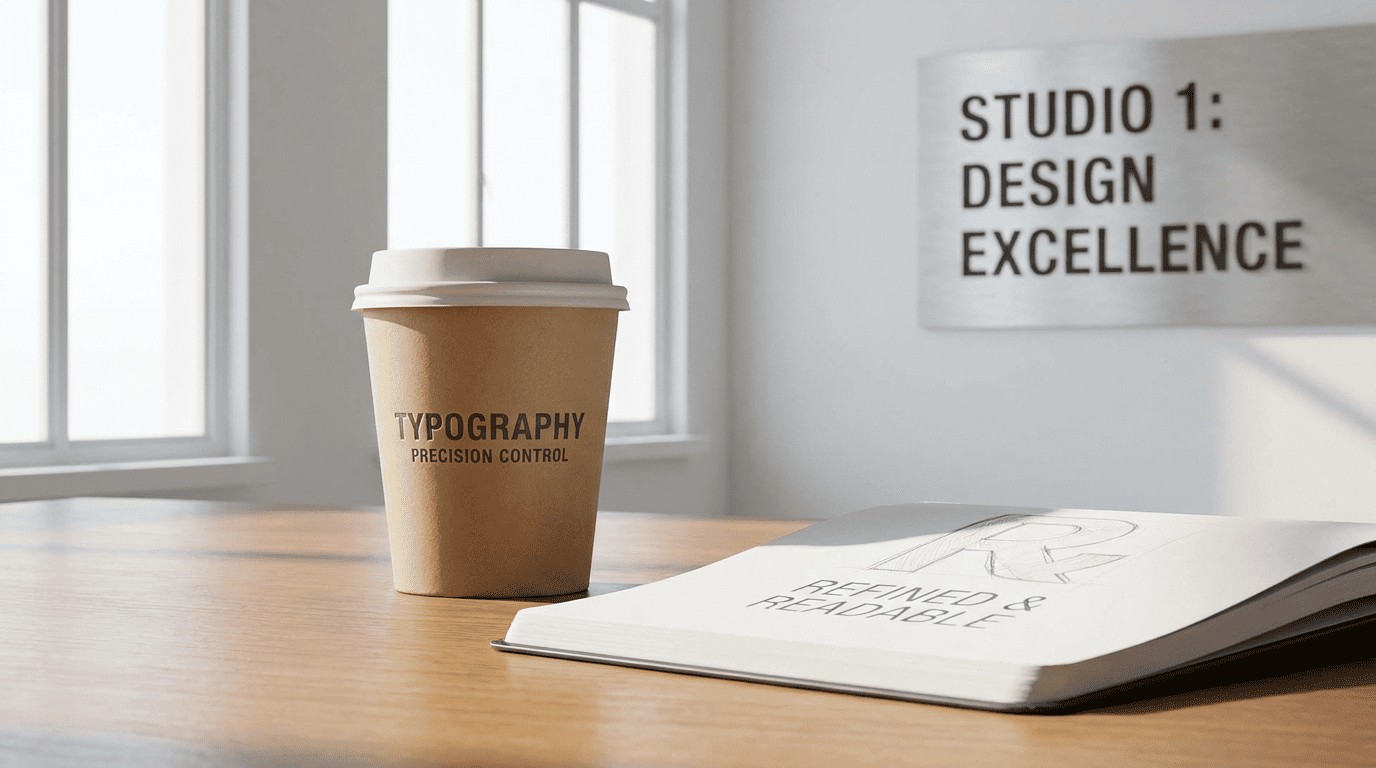
Typography has always been one of the most difficult elements in visual design to get right—especially in automated systems. While images, textures, and lighting have seen rapid improvements in AI generation, text rendering remained a weak point for a long time. Letters appeared distorted, spacing was inconsistent, and alignment often broke the overall composition.
But that gap is closing. With the evolution of GPT Image 2, typography is no longer an afterthought. It has become a core strength. Designers, marketers, and brands can now generate visuals where text is not only readable but also aligned with professional production standards. When used within structured workflows like Higgsfield AI, this capability becomes even more reliable at scale.
This article explores how GPT Image 2 achieves production-level precision in typography and why it matters for modern visual workflows.
1. Accurate Character Rendering Without Distortion
Earlier AI tools struggled with basic text clarity. Letters would merge, shapes would break, and words often became unreadable.
What has changed:
- Letters are formed correctly and consistently
- Words remain readable even in complex layouts
- No random distortions or broken characters
- Clean edges without visual noise
Why this matters:
- Eliminates the need for manual correction
- Saves time in post-production
- Produces ready-to-use visuals
This level of accuracy allows typography to be integrated directly into generated visuals instead of being added later.
2. Proper Spacing and Alignment
Typography is not just about letters—it’s about how those letters are arranged. Spacing, alignment, and structure define readability and visual appeal.
GPT Image 2 handles these elements with precision.
Key improvements:
- Balanced letter spacing (kerning)
- Consistent line spacing
- Proper alignment within layouts
- Structured text blocks that fit the composition
When combined with Higgsfield AI, designers can maintain consistent typography across multiple assets without manual adjustments.
Impact:
- Cleaner layouts
- Professional appearance
- Better readability
This is especially important for ads, banners, and social media visuals where clarity is critical.
3. Seamless Integration With Visual Elements
Typography should feel like part of the design—not something placed on top of it.
GPT Image 2 ensures that text integrates naturally with the visual environment.
How it works:
- Text interacts with lighting and shadows
- Placement follows composition rules
- Text aligns with perspective and depth
Examples:
- A logo appearing naturally on a product
- Headline text blending into a background scene
- Typography matching the lighting of the environment
Benefits:
- More realistic visuals
- Stronger design cohesion
- Higher visual impact
4. Consistency Across Multiple Outputs
Maintaining consistent typography across multiple visuals is challenging, especially in large campaigns.
GPT Image 2 ensures uniformity.
What stays consistent:
- Font style and structure
- Alignment and spacing
- Text placement within layouts
Why this matters:
- Strong brand identity
- Professional campaign execution
- Reduced design inconsistencies
Higgsfield AI helps manage this consistency across large-scale projects.
5. Multi-Language Typography Support
Global brands need visuals in multiple languages. Traditional workflows require redesigning assets for each language.
GPT Image 2 simplifies this process.
Capabilities:
- Generate text in different languages
- Maintain alignment and spacing
- Adapt typography to language structure
Benefits:
- Faster localization
- Consistent design across regions
- Reduced workload
This makes it easier to scale campaigns globally.
6. High-Resolution Text for Print and Digital
Typography must remain sharp across different formats—whether it’s a mobile ad or a large billboard.
GPT Image 2 produces high-resolution text.
What improves:
- Sharp edges even at large sizes
- No pixelation when zoomed
- Clear readability across formats
Impact:
- Suitable for both digital and print use
- Better user experience
- Professional output
Higgsfield AI supports this by enabling high-quality exports for different use cases.
7. Reduced Dependency on Design Software
Traditionally, typography required tools like Photoshop or Illustrator for fine adjustments.
GPT Image 2 reduces this dependency.
What changes:
- Less manual editing required
- Fewer design tools needed
- Faster production process
Result:
- Increased efficiency
- Lower complexity
- More accessible workflows
This allows teams to focus on creativity rather than technical adjustments.
8. Faster Iteration With Typography Variations
Testing different text styles is essential in marketing. Headlines, fonts, and layouts often need experimentation.
GPT Image 2 makes this easy.
Workflow:
- Generate multiple typography styles
- Compare variations instantly
- Select the best-performing option
Benefits:
- Faster decision-making
- More creative flexibility
- Better campaign performance
9. Enhanced Visual Hierarchy
Typography plays a key role in guiding the viewer’s attention. Without proper hierarchy, visuals can feel confusing.
GPT Image 2 improves hierarchy.
How:
- Emphasizes key text elements
- Uses size and placement effectively
- Creates clear focal points
Result:
- Better readability
- Stronger communication
- Higher engagement
This is critical for ads and marketing visuals.
10. Scalable Typography for Large Campaigns
Large campaigns require hundreds of visuals with consistent typography.
GPT Image 2 makes scaling possible.
Workflow advantages:
- Generate multiple assets quickly
- Maintain consistency across all outputs
- Reduce manual effort
Business impact:
- Faster campaign execution
- Lower production costs
- Improved efficiency
Higgsfield AI supports this scalability within a unified system.
Why Typography Precision Matters
Typography is more than just text—it’s a key part of communication.
Precise typography leads to:
- Better readability
- Stronger brand identity
- Higher engagement
- Improved conversion rates
GPT Image 2 addresses all these factors.
Best Practices for Using Typography in AI Visuals
To maximize results, teams should follow a structured approach.
Recommended strategies:
- Keep text clear and concise
- Maintain consistent style
- Use hierarchy to guide attention
- Test multiple variations
- Combine AI output with human review
Final Thoughts
Typography has long been a limitation in AI-generated visuals. With GPT Image 2, that limitation is rapidly disappearing.
By combining accurate text rendering, proper alignment, and seamless integration, it delivers typography that meets production-level standards. When integrated into workflows supported by Higgsfield AI, it becomes a powerful tool for creating high-quality visual content at scale.
For brands and creators looking to produce professional visuals without complex design processes, this capability represents a significant step forward.
